Drawing notifications
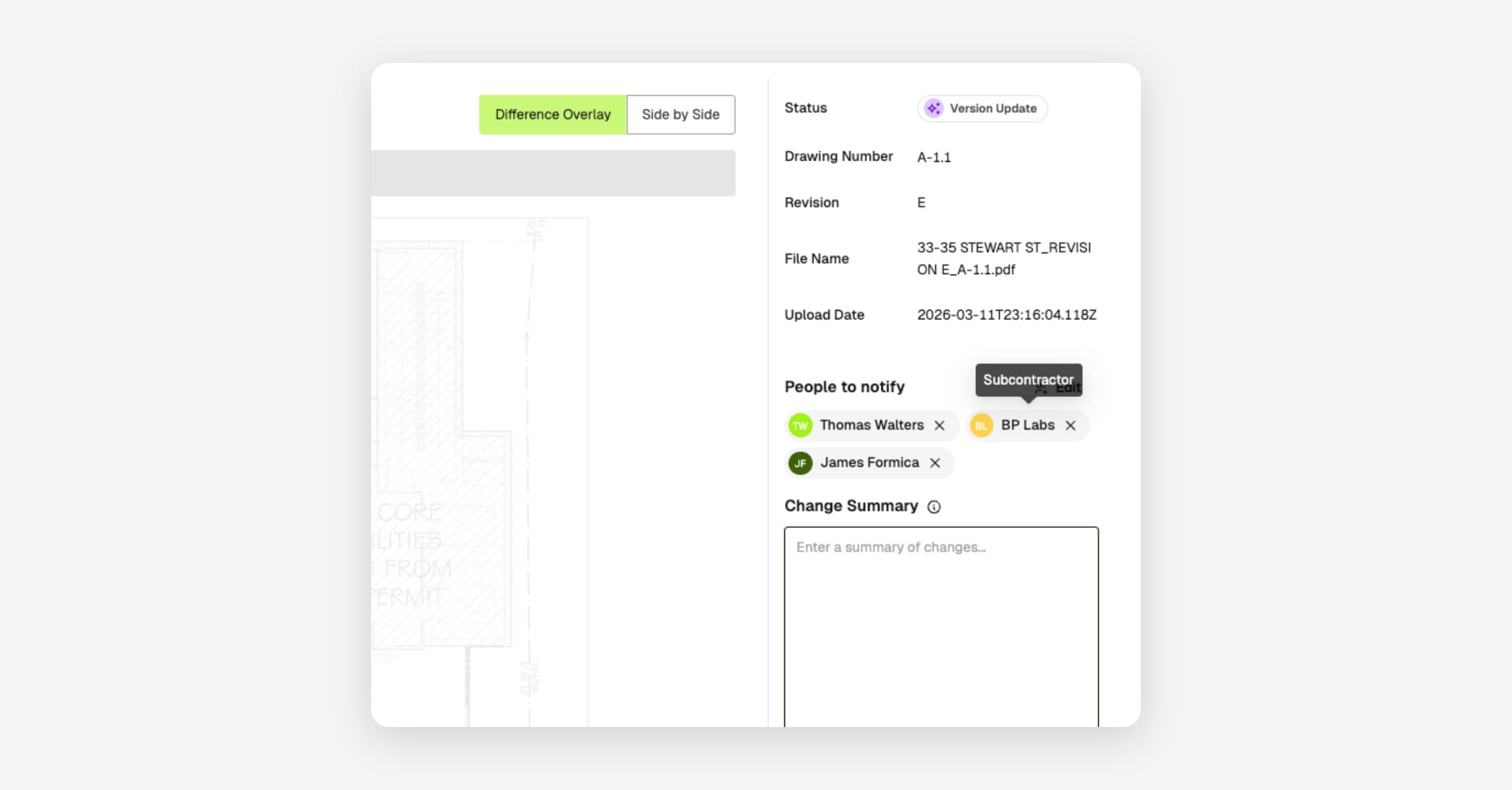
Keep your team in the loop when drawings are updated. Select the admins, companies, or workers to notify whenever you upload new or revised sheets, and they'll get an email or SMS with the details.
- Select which admin users, companies, or workers should be notified after uploading
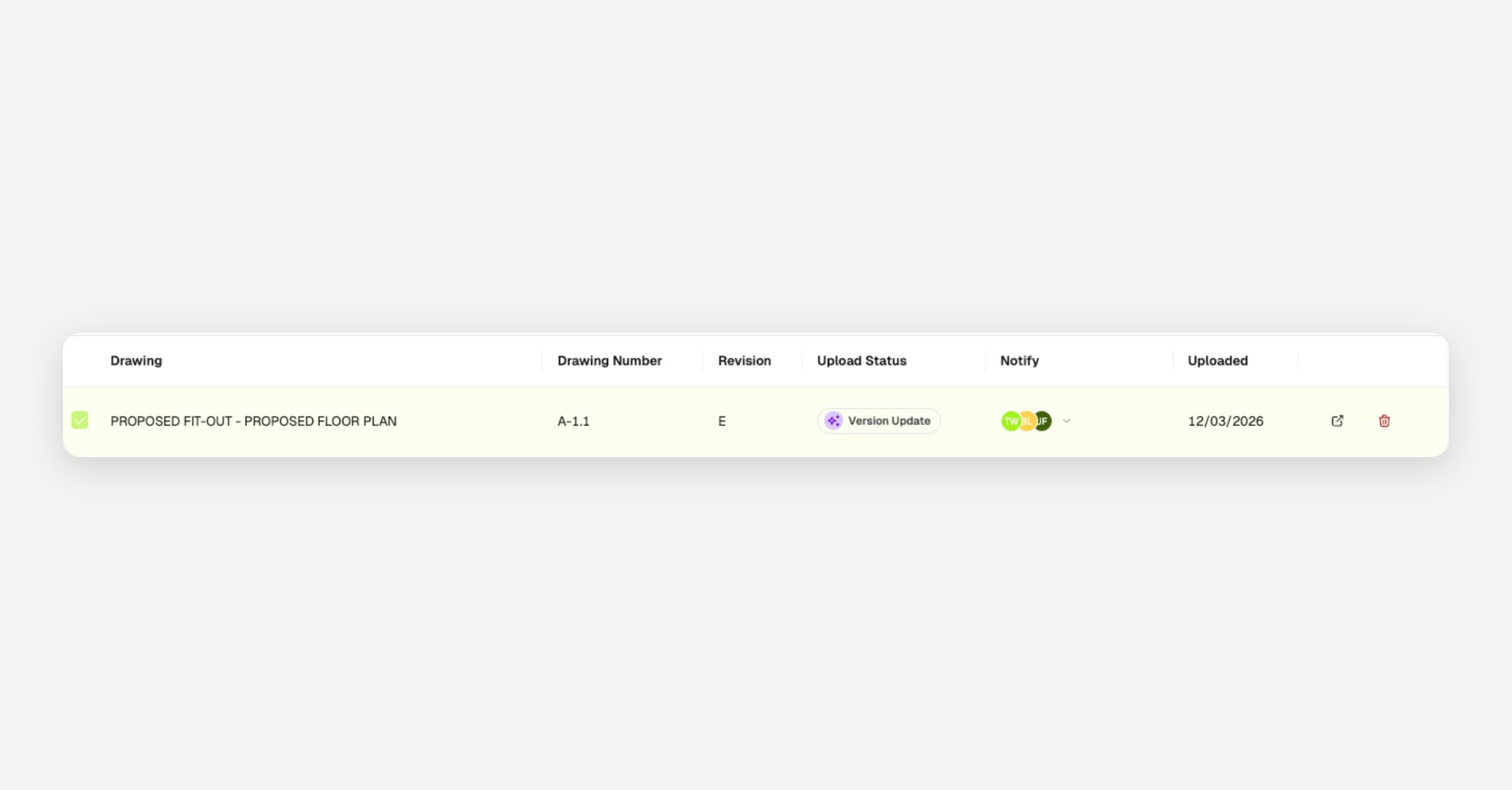
- Multiple drawings uploaded at once are grouped into a single notification
- Admins receive an email; companies receive email or SMS depending on contact details on file; workers receive an SMS
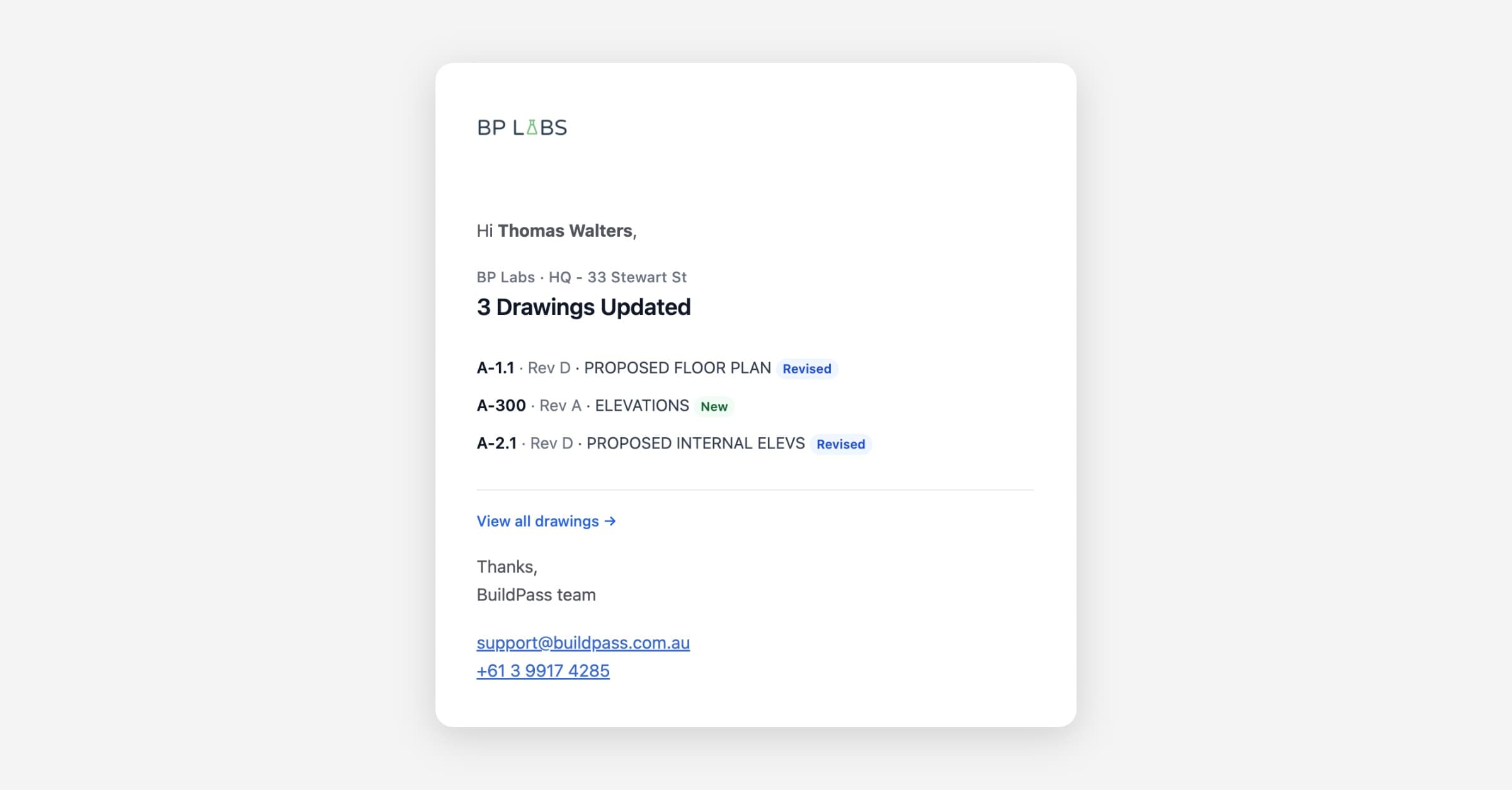
What recipients get
Each notification includes the project name and a breakdown of every drawing updated, showing the drawing number, revision, title, and whether it's new or an updated revision.
From Drawings, upload your files and select recipients from the notification prompt.