Better timesheets, tables in forms and a LOT more
Get hours from site to payroll faster. Timesheets has a new table, a dedicated review flow and exports that match exactly what's on screen:
- Group by worker, project, cost code or time type - with a subtotal under each group and a total across the table, so hours reconcile before they leave BuildPass
- Make the table yours - show, hide, reorder and pin columns, including trade, template and form fields via Show form columns, and your layout saves to your account
- Saved views - save the layouts you use every pay run; a ready-made "Approved last week" view is included
- Approve + Review tab - each worker's week lines up against their sign-ons, with match badges and the day's daily logs and form submissions alongside for cross-checking
- One-click clean approvals - entries that match a sign-on within 15 minutes on your standard time type count as clean and approve in one pass; overtime, leave and anything unmatched stays for a closer look
- Configure tab - timesheet settings now live inside the module, with cost codes and time types editable in place or imported from a CSV
- Exports that follow the table - CSV and PDF exports mirror the columns, grouping and filters you have on screen; export selected rows, the current page or every page, with JobPac and Premier formats behind a toggle when enabled for your account
Because exports now follow the table, a form field that isn't shown as a column won't appear in the export - use the Display menu above the table to turn columns on or off.
From Timesheets, pick a grouping and save your first view, then run the week through Approve + Review and set up your codes in Configure.
Tables in form templates
Capture structured, multi-row data in your forms with tables. Build ITPs, QA checklists and scope of works breakdowns as proper rows and columns instead of long stacks of repeated fields - and your team fills them out on web or mobile.
Tables are built from the blocks you already know:
- Columns are blocks - text, select options, signatures, photos and more, with the same settings as anywhere else in your template, including scoring and required fields
- Prefill rows - display columns take content per row, so you can list each activity in an ITP and respondents only complete the remaining cells
- Fixed or flexible rows - lock the table to an exact number of rows, or let respondents add rows as they go with an optional minimum and maximum
When filling out a form, respondents can flip any table between table and cards views - handy on a phone, where working through one row at a time beats a wide grid.
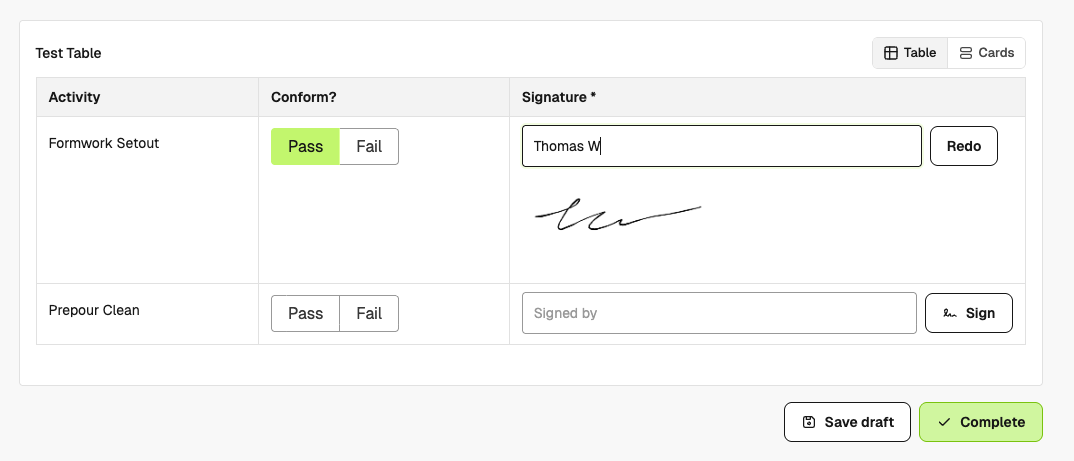
To get started, open Forms > Templates, create or edit a template and add a table.
Redesigned template editor
The template editor has a cleaner layout, so building out large templates is faster and easier to navigate. Open the preview pane while you build to see exactly what respondents will see, including a mobile preview - no need to kick off a test form.
Improvements
- Client Portal Share RFIs with your clients - pick all clients or selected portal members, and they get read-only access to messages, accepted responses, attachments and impacts on a searchable RFI page. You can change the audience or stop sharing any time, and see when a shared RFI has been viewed. Available on projects with both RFIs and Client Portal enabled.
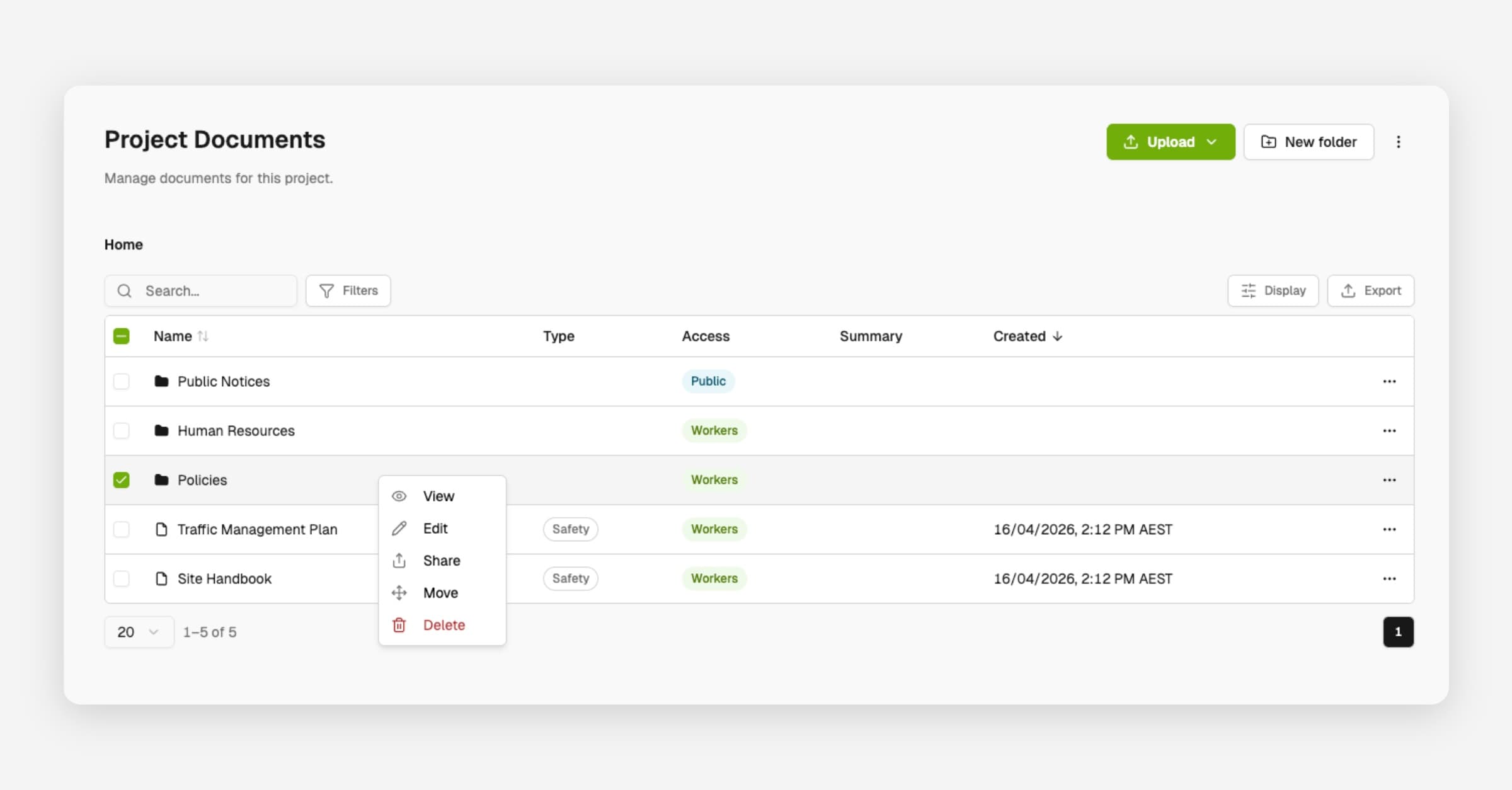
- Documents Upload more file types - PowerPoint, ZIP, Outlook emails, Microsoft Project and CAD/BIM formats like DWG, IFC and Revit - stored as download-only files, up to 1GB each on Premium and Enterprise plans.
- Forms Dropdowns with more than five options are now searchable, so picking from a long list of trades or activities takes one keystroke instead of a scroll.
- Drawings Link a markup directly to a punch, so items you flag on a drawing can be tracked and closed out from the Punches module.
- Markups can now be linked to an existing RFI, not just used to raise a new one.
- A new navigation menu next to the drawing title lets you move between folders and sheets without a full page reload.
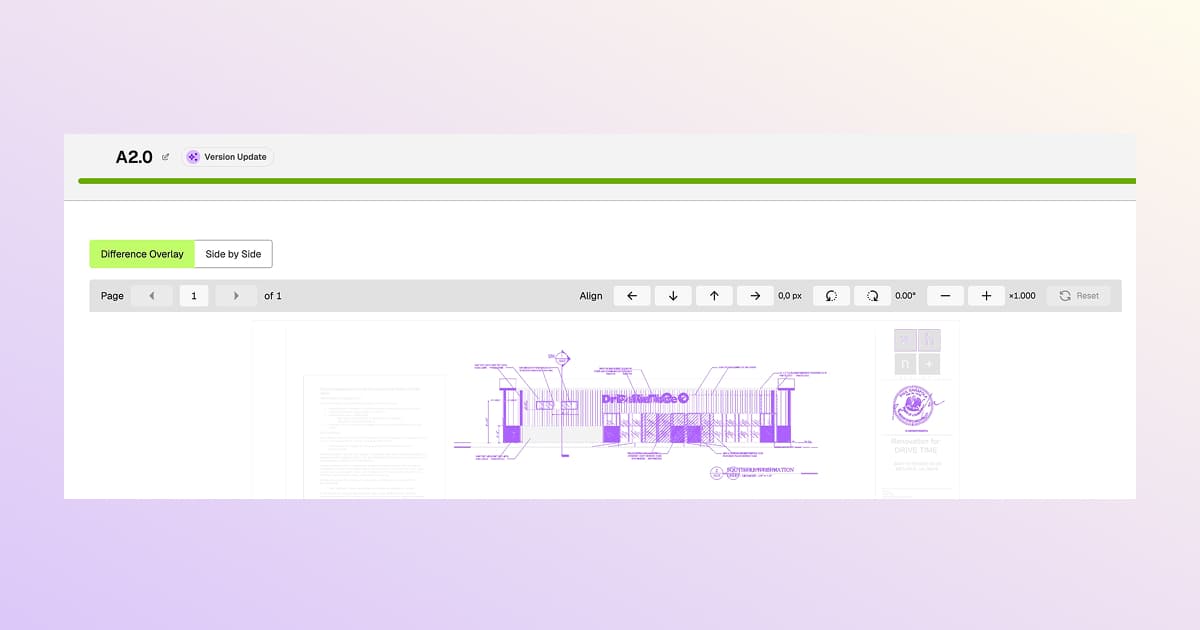
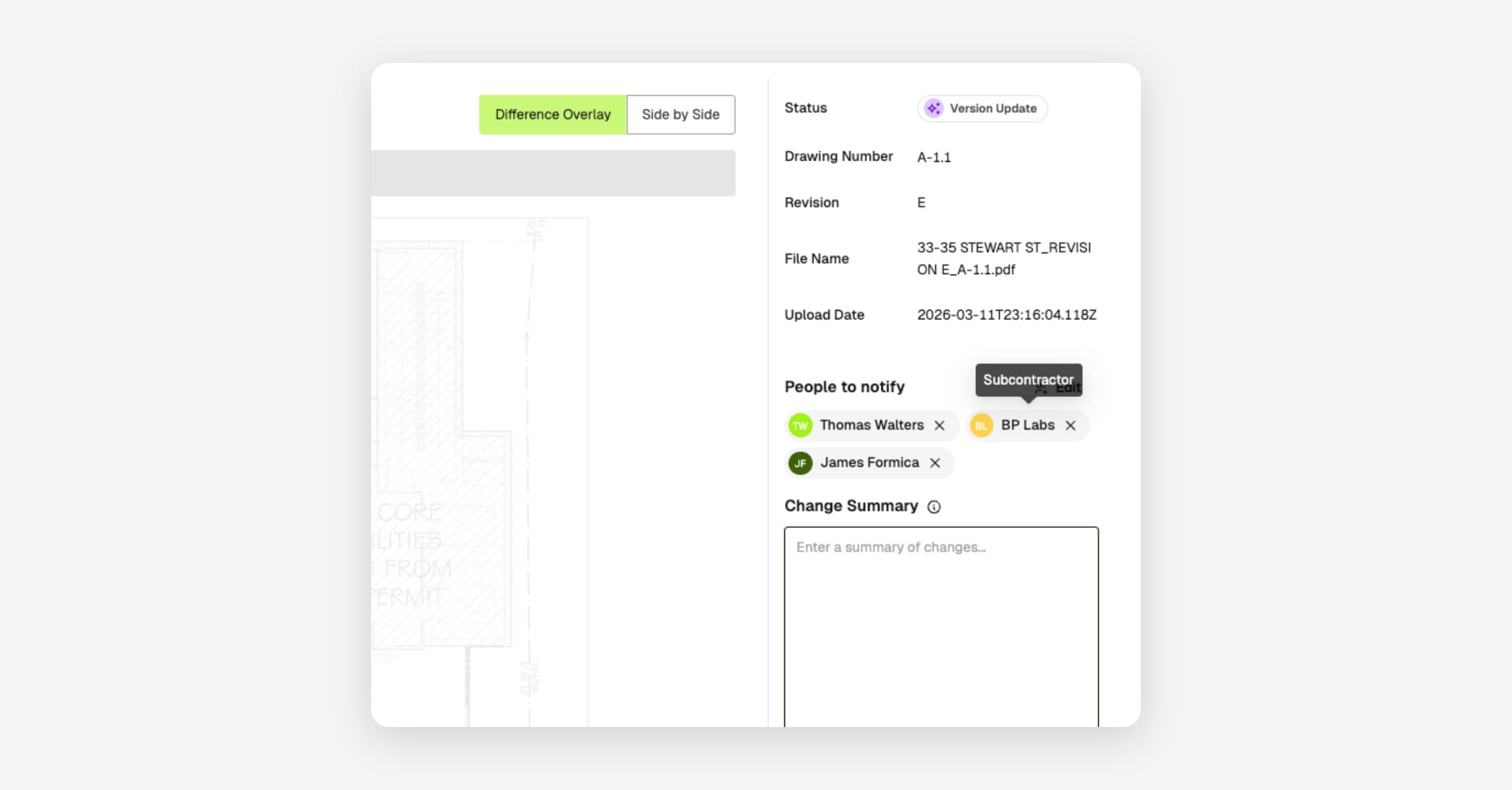
- Compare two revisions in the worker app with a color overlay - blue for what's new, red for what's gone.
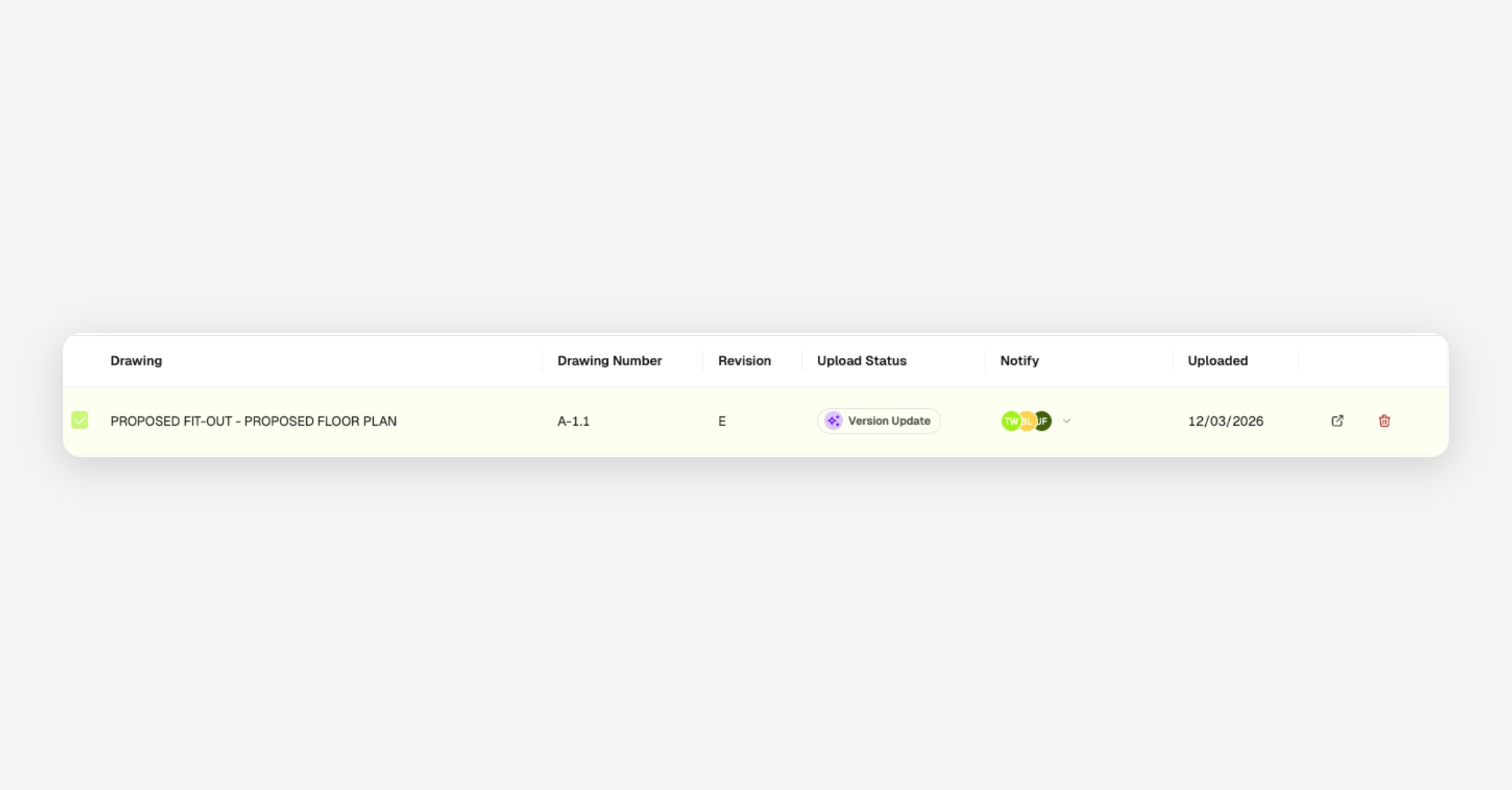
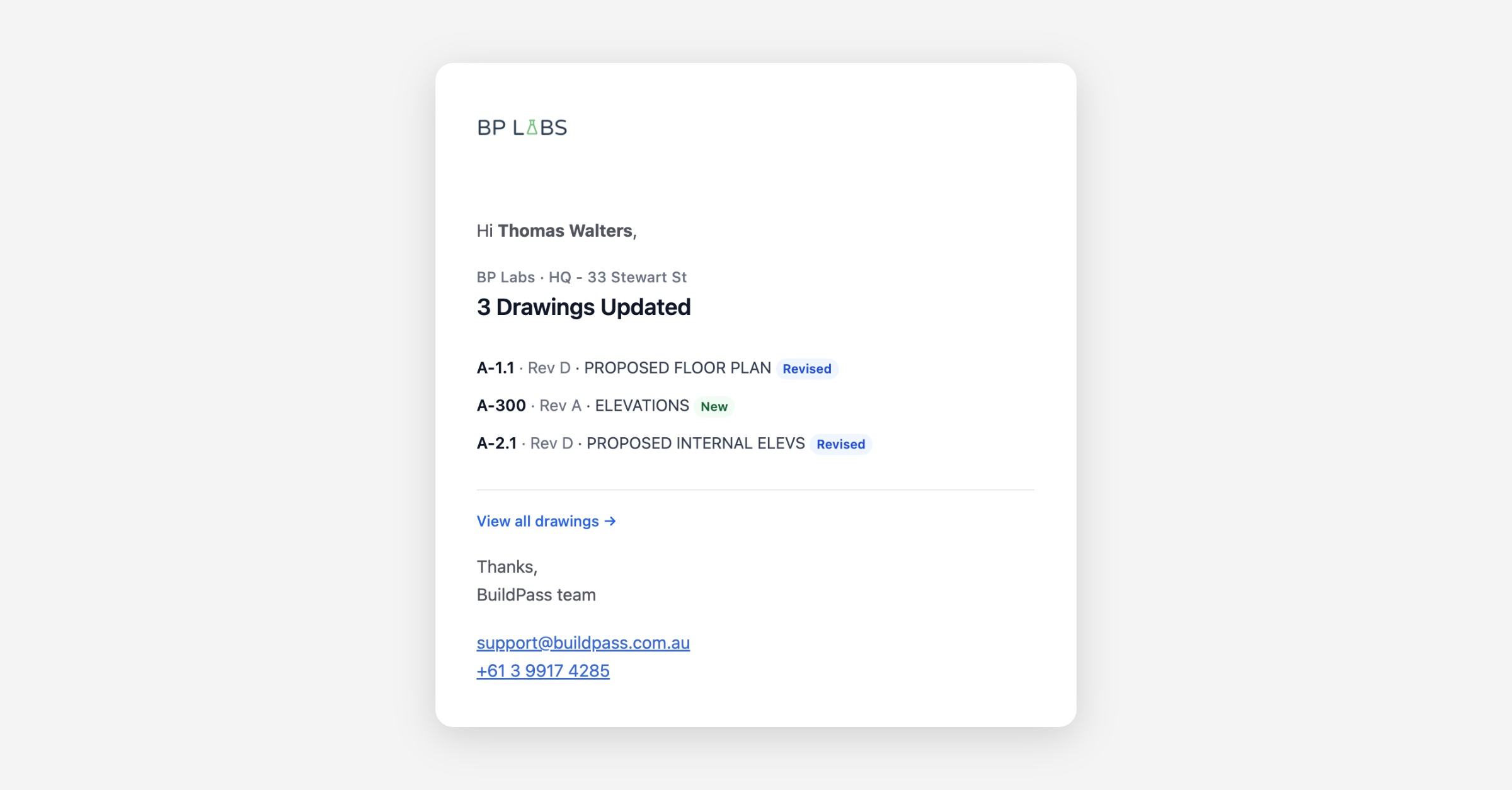
- Download a single drawing from worker web and public share links, and drawing-approval emails to subcontractors now link straight to the drawing.
- Sign-ons Workers can sign on and off in the app with no signal - entries queue on the phone and sync automatically when coverage returns.
- Signing on now walks workers through outstanding requirements - tickets, orientations, JHA, notices - on web and in the app, instead of stopping at a blocked screen.
- Daily Logs Auto-created diaries now pre-fill the day's actual weather on projects with an address.
- Actions Photos added to worker actions now appear in the project Photos gallery.
- Photos Gallery uploads support WebP images, and photo stamps now show in the gallery preview, not just on downloaded images.
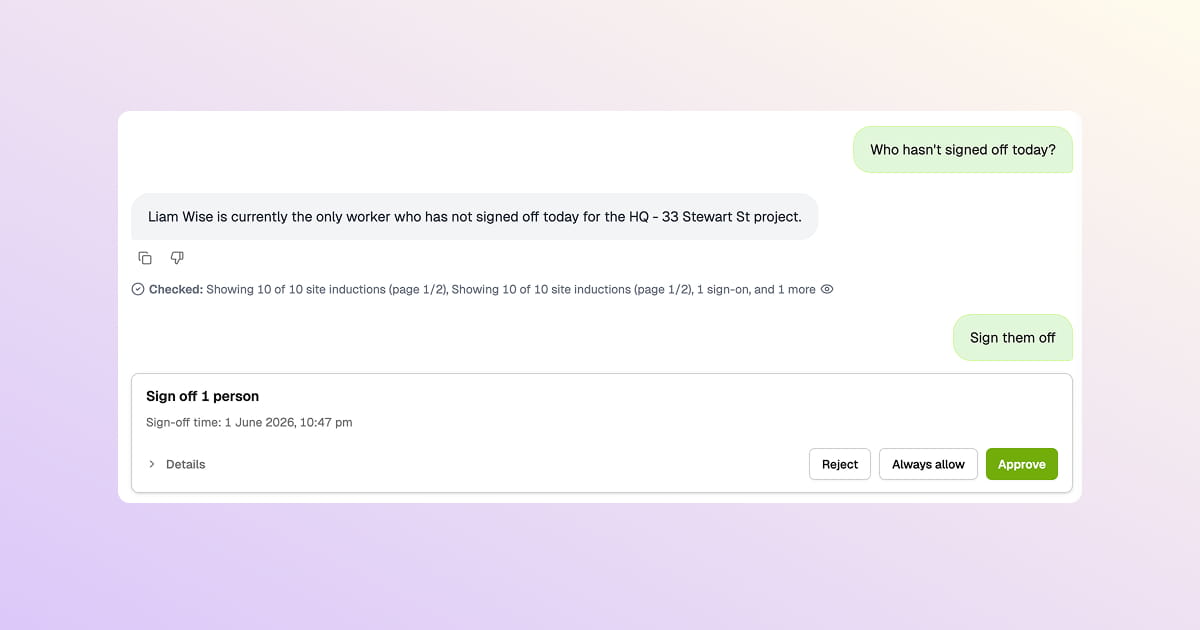
- Messaging Target workers currently signed on and see who can't receive an SMS before you hit send.
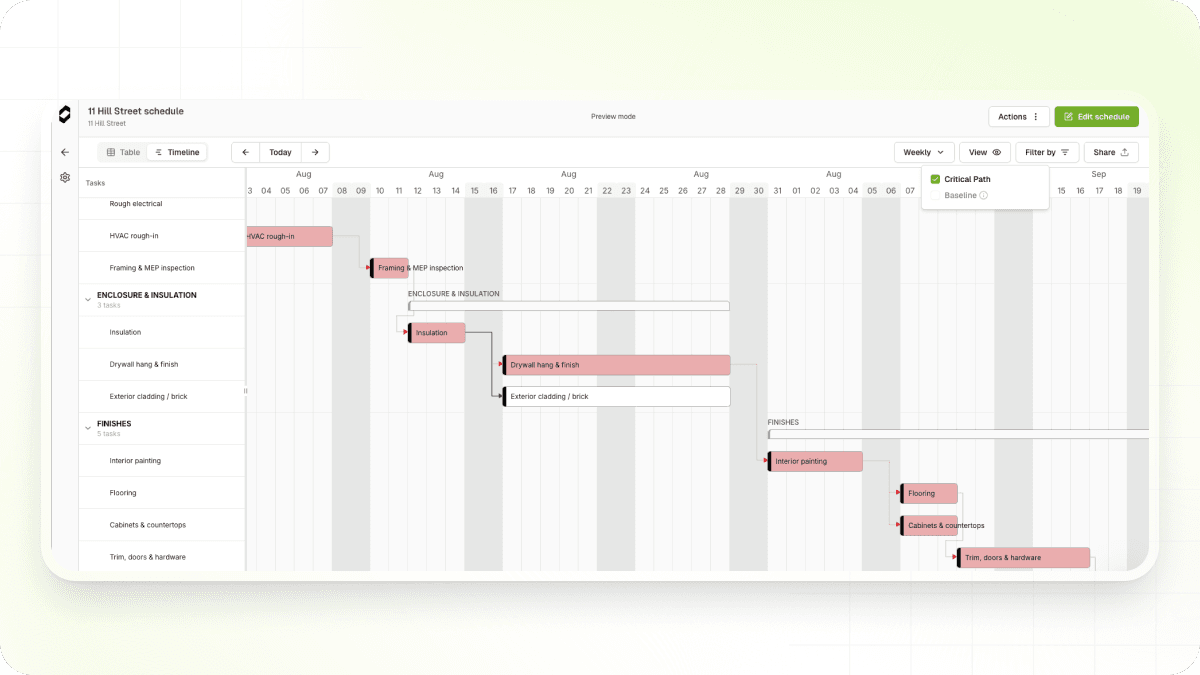
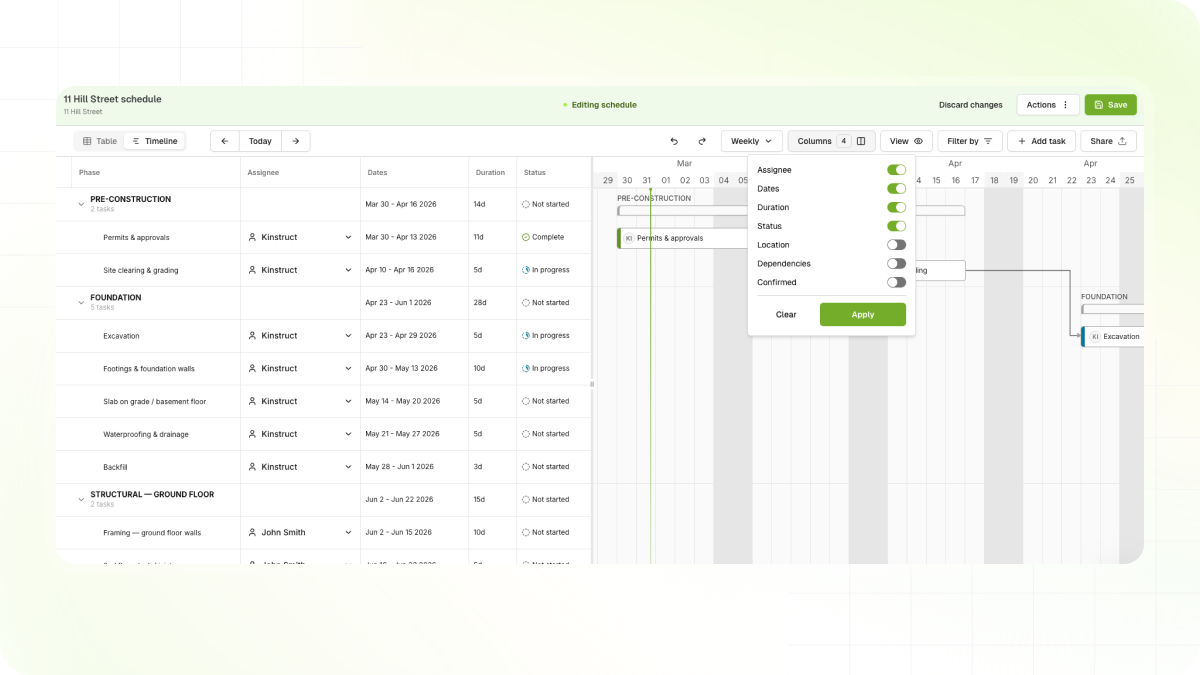
- Scheduling Export your schedule as a table-style PDF, alongside the existing timeline export.
- Orientations Bulk orientation exports now include the tickets and certificates captured at orientation time.
- Insurance CSV and PDF exports now include the insurance type and review comments.
- Tables Your column layout and order now save to your account and follow you across browsers and devices.
- Companies Managers can now archive companies, and duplicate companies can be merged into your own subcontractor record.
- Notifications The unsubscribe page now lists every notification you've unsubscribed from so you can resubscribe, and admins can see when a message didn't send because the recipient had unsubscribed.
- Navigation The sidebar now collapses fully - drag it all the way to the left, and a chevron brings it back.
- SDS Bulk upload Safety Data Sheets - add a whole batch at once from Documents > SDS.
Fixes
- Timesheets Editing an entry opens in a side sheet as day cards, so you can adjust a whole week without hopping between modals.
- Sign-on windows for night shifts now resolve to the right date.
- The review queue covers every project, and the table scopes correctly when a project is selected.
- Links straight to a timesheet open the right entry.
- Drawings Large drawings now open reliably on iOS in the worker app.
- Navigation The worker app's back button now steps back within a module instead of jumping to Home.
- Certifications HEIC photos now upload for certifications and tickets from the worker app.
BuildPass API
Self-serve API access is live - create your own API keys and start building without waiting on support. Recent additions:
- Punches New read endpoints to list and retrieve punches, with filtering.
- Photos Full photo management - upload attachments, create and organize photos and folders, plus external gallery sync.
- Lists are now paginated (25 per page by default), so integrations should page through results.
- Meetings Create and manage meetings and their notes, with filtering by project, status and dates.
- Attachments Direct uploads through presigned URLs for images up to 40MB.
Full details and request examples are in the API changelog.